rEd3mptI0n
What if the frequencies you filter out could do something useful? rEd3mptI0n turns the outer edges into new harmonic material.
Put the cutoffs to work.
Choose the low and high regions you want to capture. rEd3mptI0n uses those outer bands to generate harmonics you can blend back into the middle.
Get rEd3mptI0n on Gumroad Pay what you want · free · VST3 + Standalone · Windows + LinuxSo, what does it do?
Filters usually throw the edges of a sound away. rEd3mptI0n catches those low and high parts and uses them to build new harmonics you can blend back in.
A closer look at the controls
Four knobs and a bar that shows the split.
LOWER BANDS and UPPER BANDS move two orbs along a 20 Hz – 20 kHz log axis, the source bar on the left and the output on the right; the orbs pulse with the live level of the material each one is capturing, and REACH sets how alive they look. Click the bean-sprout for the numeric readouts; the window grows by exactly that row and shrinks back when you hide it.
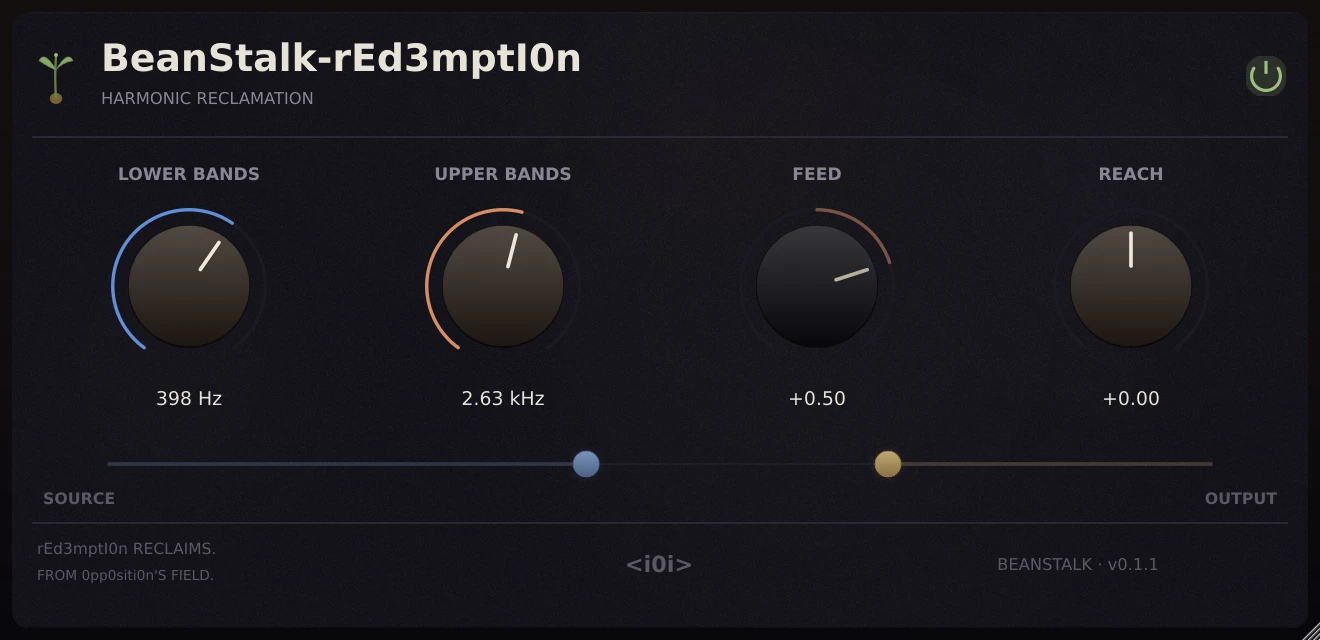
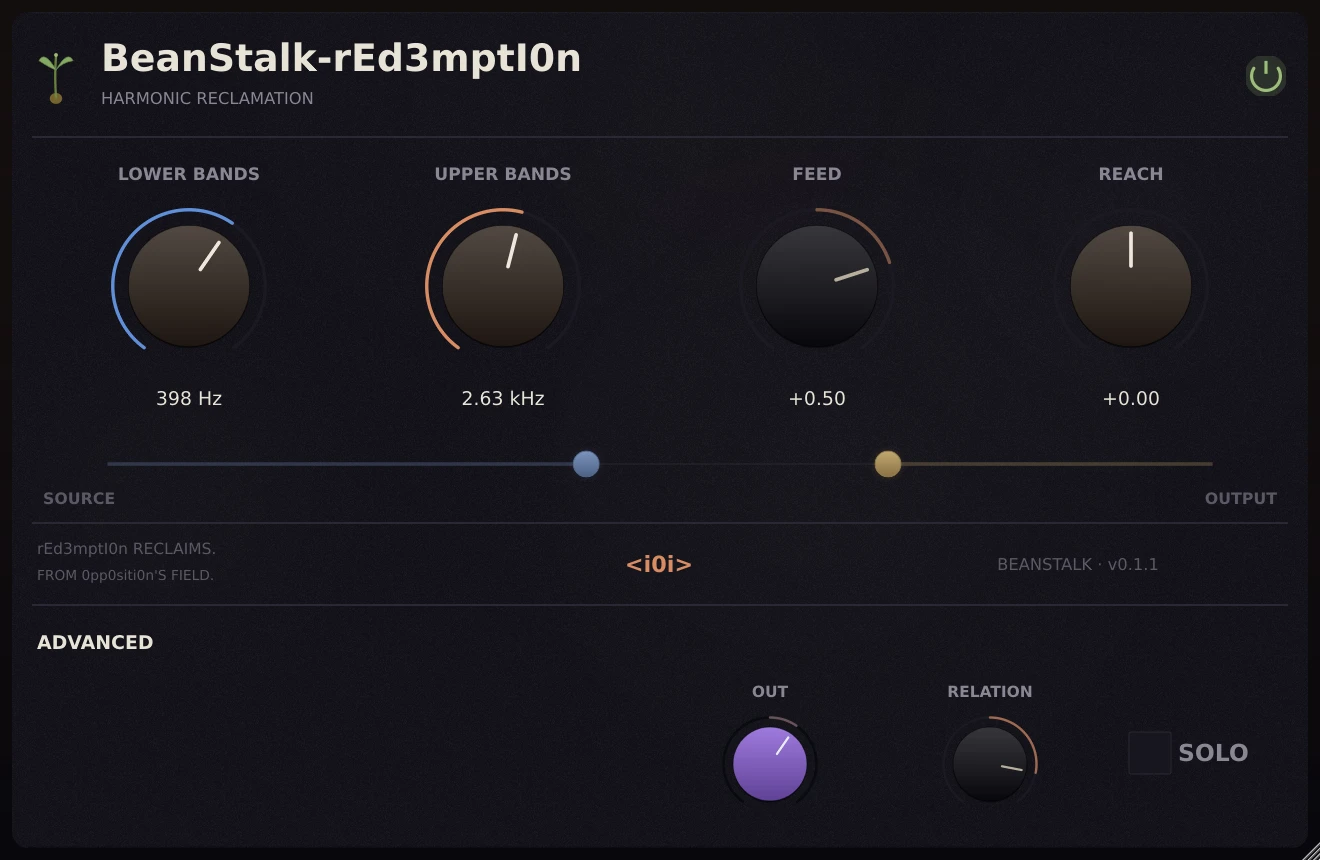
Dry stays. The outer bands become harmonics.
The input feeds a dry path and two band captures. The captured bands are weighted by FEED, passed through a fixed 45 Hz guard, and turned into harmonics, then added back onto the dry.
Four knobs, a bar, a drawer.
Where it earns its place.
A few things to know before you download
Read this before you download.
Technical details and verified specs
Verified specifications.
DSP lineage: the harmonic generator is adapted from Airwindows Pafnuty2 (Chris Johnson, MIT licensed); the notice is included with the download. The band-capture and reclamation arrangement is BeanStalk's own. This does not imply endorsement by or affiliation with Airwindows.
Put what you cut to work.
rEd3mptI0n is pay-what-you-want, and free is a fair price. VST3 and Standalone, Windows and Linux. More platforms may follow.
Get rEd3mptI0n on Gumroad